Getting Started
Account Setup
Register
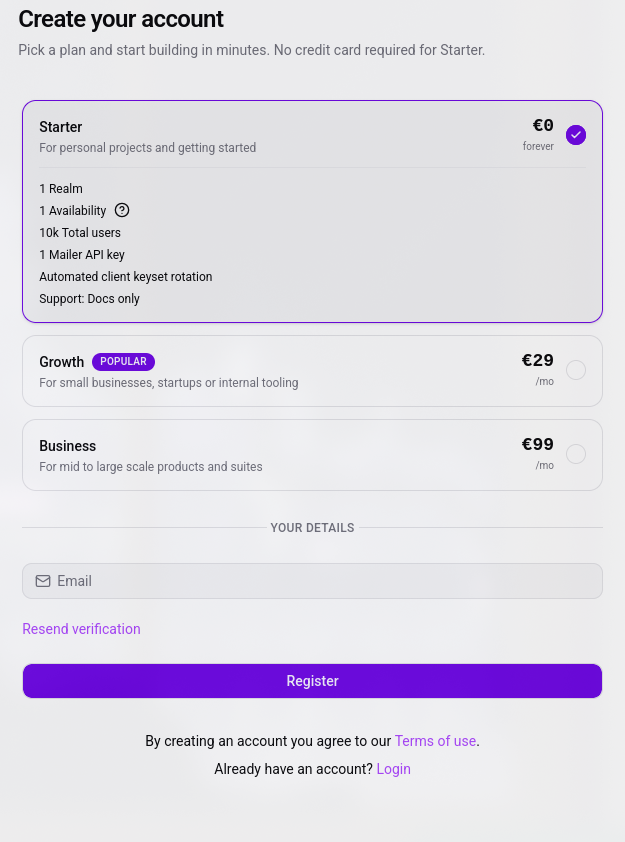
To create your account, complete the register form here. If this is your first time setting up an account, choose the Starter plan to skip checkout during account creation.
Verification
Vault employs a zero-tracking strategy, so we ask for nothing but your email address. When you press register, you’ll receive an email containing your credentials: a MRN — Modokit Resource Name and a temporary password token.
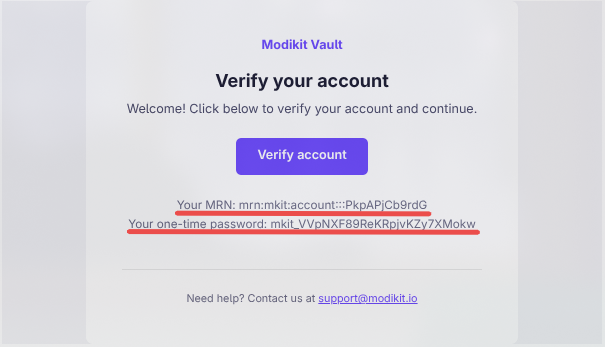
Once you click on Verify account, you’ll be redirected back to the website on the login page.
Unverified accounts can’t log in. Make sure to verify your account before continuing.
Login
Complete the login process. Once you land on your account page, a dialog will ask you to set your permanent password. After setting it, we recommend saving your credentials — your MRN and your newly created password — in a password manager.
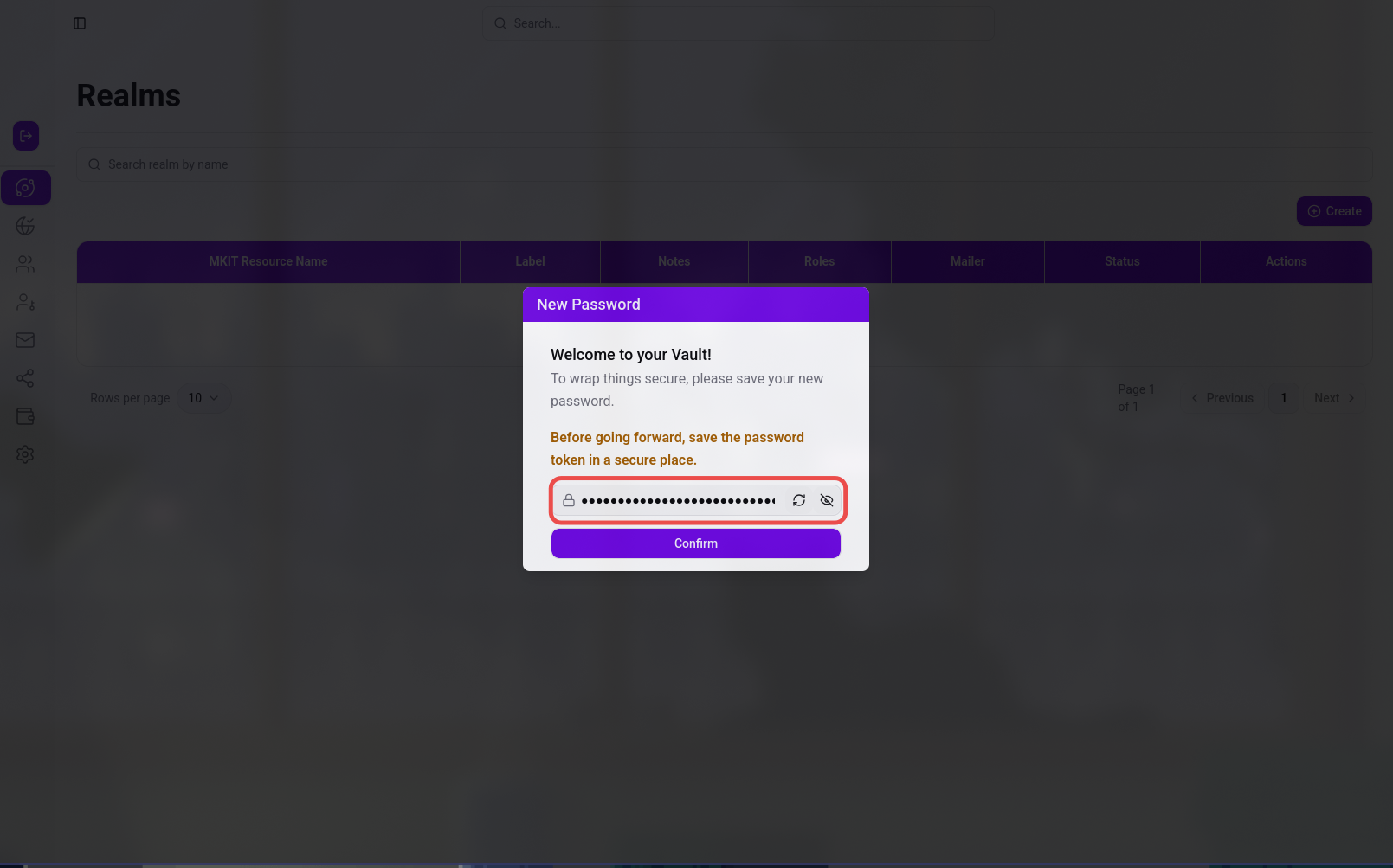
Your Vault may hold important infrastructure and user information. Store your login credentials somewhere safe and rotate your password at least once every few months.
Well done! You’ve successfully created your Modikit Vault account. Now you’re ready to dive in — next stop, creating your first realm.